T900 Ultra 2 Smartwatch with Wireless Charging
T900 Ultra 2 Smartwatch with Wireless Charging Original price was: 1,490.00৳ .Current price is: 990.00৳ .
Back to products
BT-2301 Bluetooth Speaker With Wireless Charging Exra big
BT-2301 Bluetooth Speaker With Wireless Charging Exra big Original price was: 3,200.00৳ .Current price is: 1,650.00৳ .

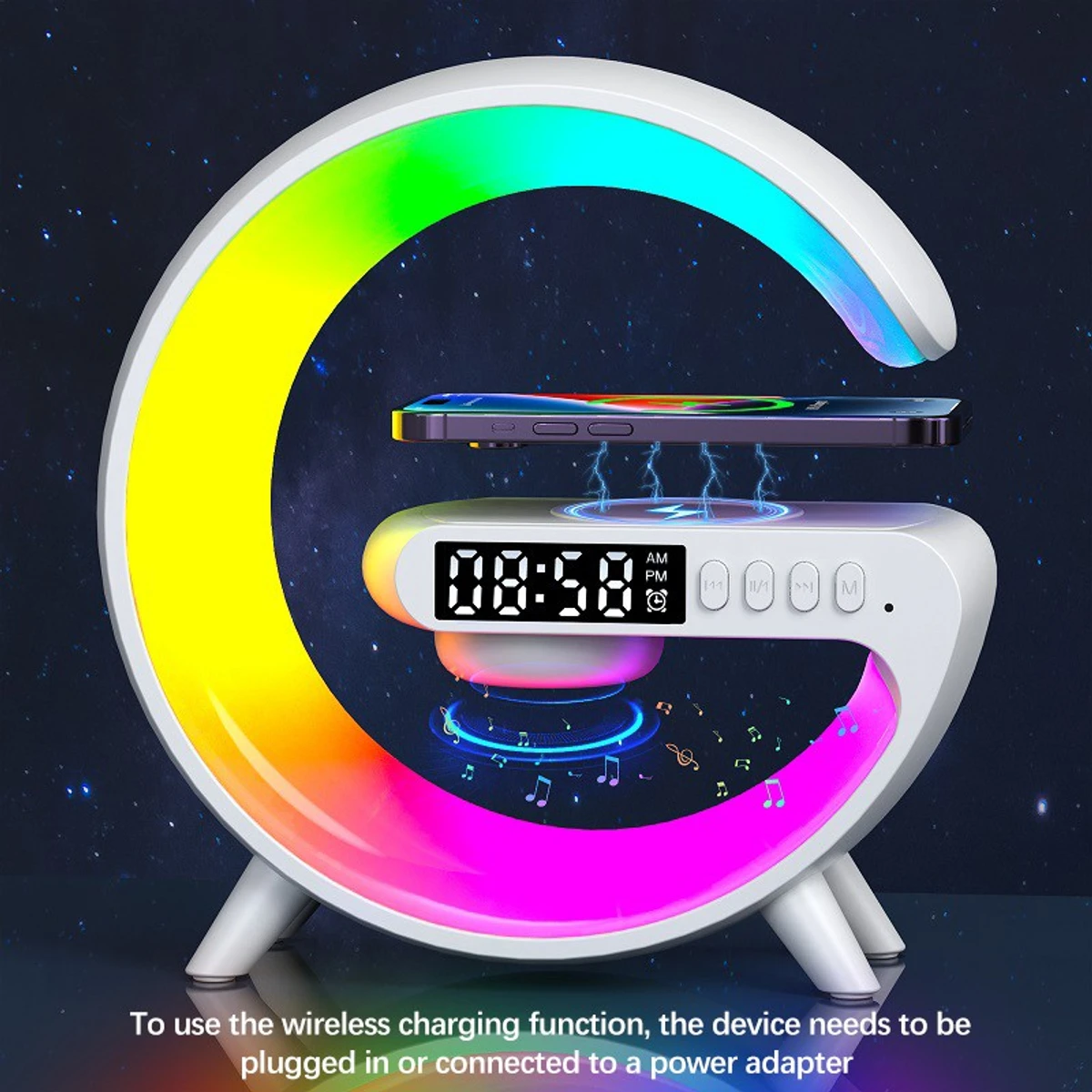
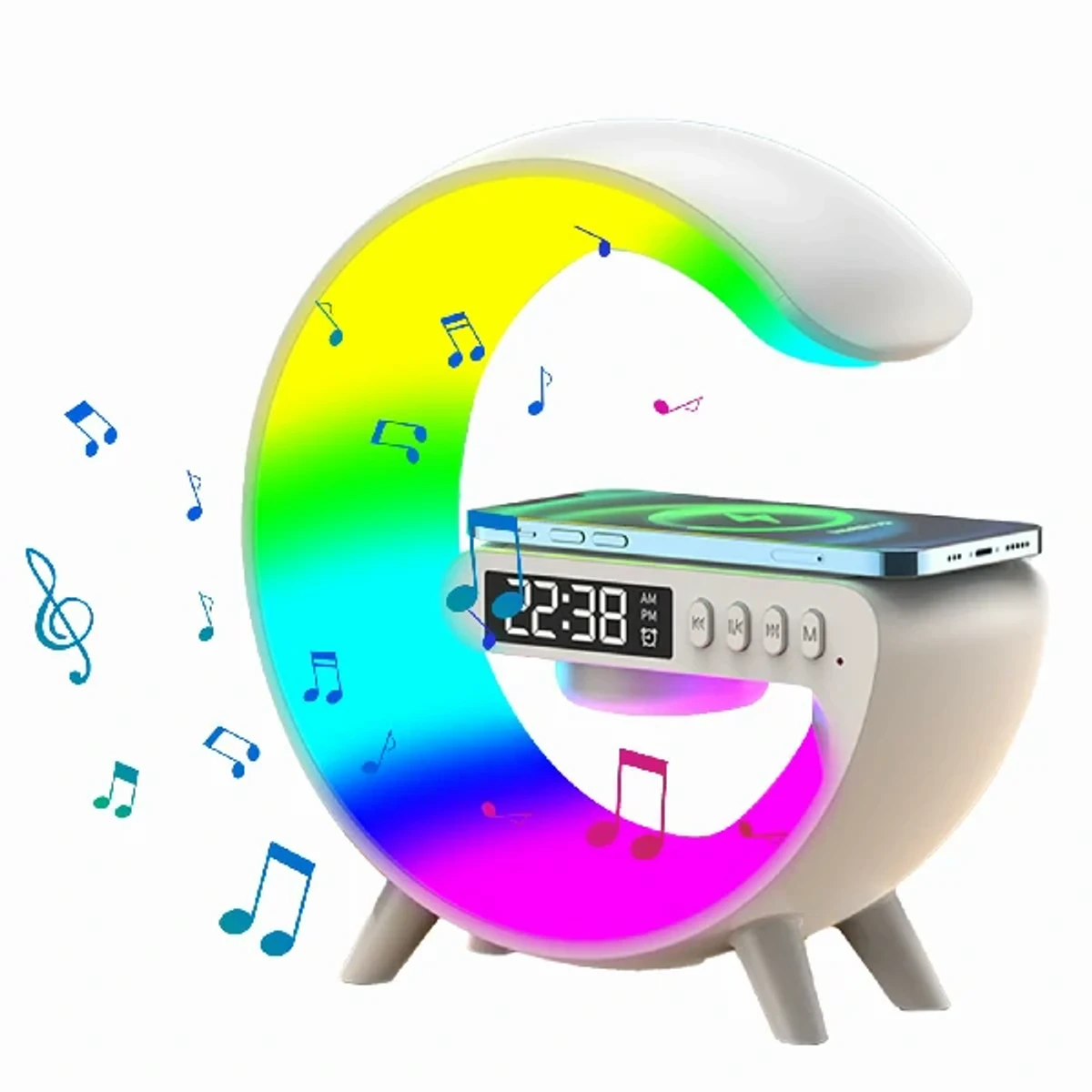
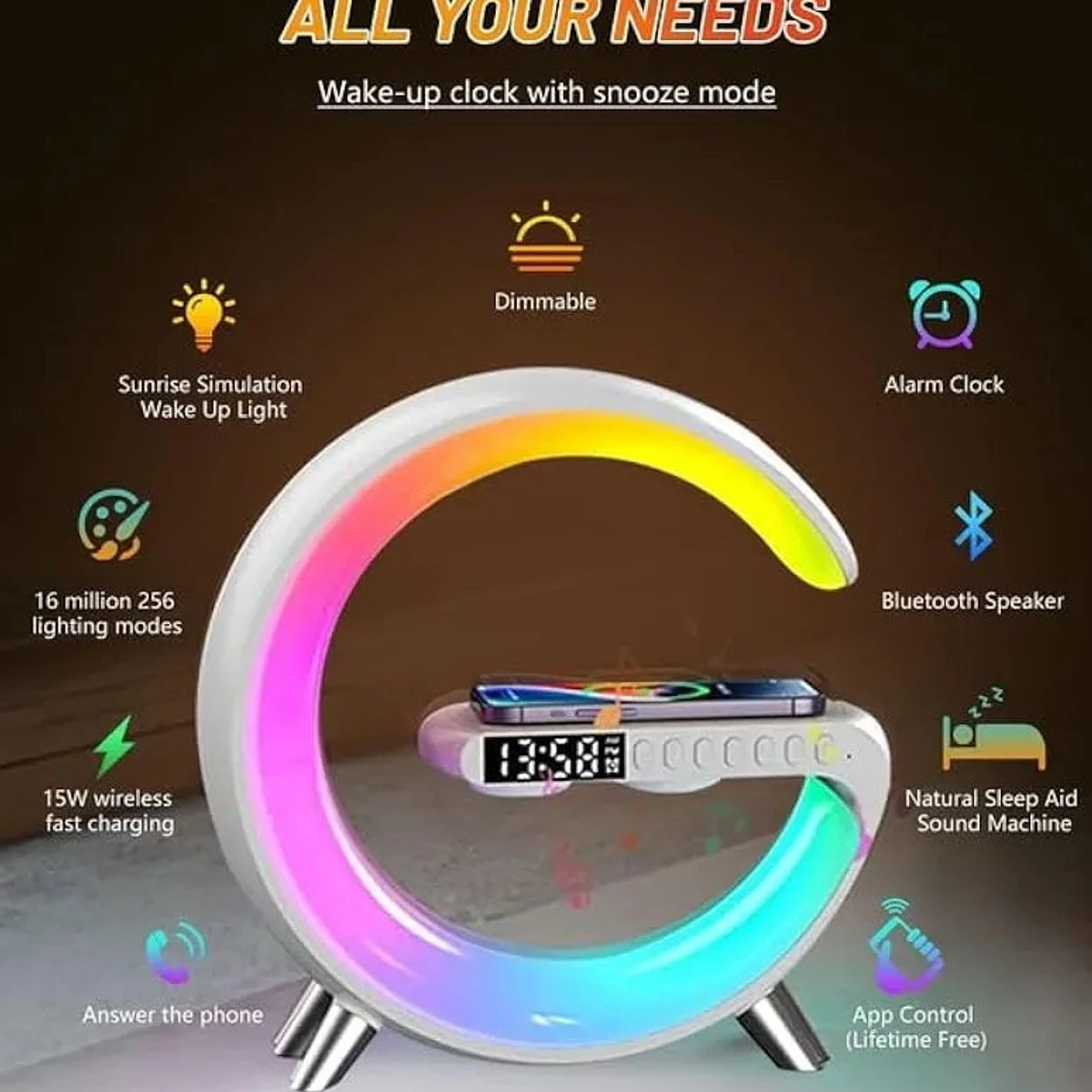
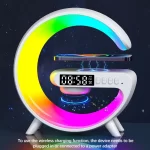
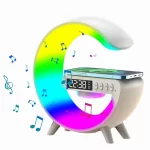
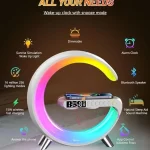
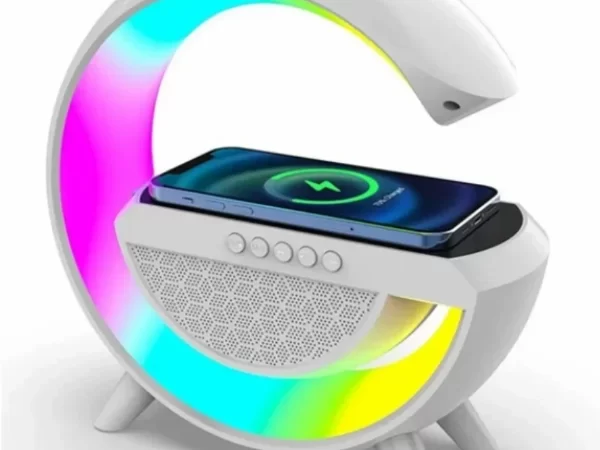
G63 Atmosphere RGB Light Bluetooth Speaker With Wireless Charging

SKU: ST-PRODUCT-297 Category:

Original price was: 2,390.00৳ .Current price is: 1,090.00৳ .

85 Items sold in last 4 days
247 People watching this product now!

Everything You Need to Know About the Product

G63 Atmosphere RGB Light Bluetooth Speaker With Wireless Charging Price In Bangladesh

Enhanced Ambiance: Transform your space with the G63 Atmosphere RGB Light Bluetooth Speaker, creating a mesmerizing atmosphere with its customizable RGB lighting. Whether you’re hosting a party or simply relaxing at home, this speaker adds a unique touch to any environment.Get the original products at the most affordable price only at sohoztech.com and enjoy the quality with the promise of the best customer service in Bangladesh.

How to use G63 Atmosphere RGB Light Bluetooth Speaker With Wireless Charging :
  • To use the G63 Atmosphere RGB Light Bluetooth Speaker with Wireless Charging, follow these steps:
  • Power On: Ensure that the speaker is charged. If it has a power button, press and hold it until the speaker powers on. If it doesn’t have a physical power button, simply plug it into a power source.
  • Bluetooth Pairing: Activate Bluetooth on your smartphone or any other device you want to connect to the speaker. Then, search for available Bluetooth devices. The G63 Atmosphere RGB Light Bluetooth Speaker should appear in the list of available devices. Select it to pair.
  • Wireless Charging: Place your Qi-enabled device (such as a smartphone) on top of the speaker’s wireless charging pad. Make sure the device is properly aligned for charging. If the device is compatible, it should start charging automatically.
  • Playing Music: Once your device is paired with the speaker, you can start playing music or any audio content from your device. The sound should now come through the speaker.
  • Adjusting Settings: Depending on the specific features of your speaker, you may be able to adjust settings such as volume, EQ, LED light patterns, and more. Refer to the user manual for instructions on how to do this.
  • LED Lights: If your speaker has RGB LED lights, you can typically control them using either buttons on the speaker or through a companion app on your smartphone. Explore the different lighting modes and color options to customize the ambiance to your liking.
  • Charging the Speaker: Make sure to keep the speaker charged, especially if you’re using it wirelessly for an extended period. When not in use, you can plug it into a power source to recharge.
  • Disconnecting: When you’re finished using the speaker, remember to disconnect your device from Bluetooth to prevent any unintended connections in the future.
  • Maintenance: Keep the speaker clean and free from dust or debris, especially around the wireless charging pad and speaker grilles. This will help maintain optimal performance over time.
  • Package Content: 1x G63 Atmosphere RGB Light Bluetooth Speaker With Wireless Charging